News tagged Microsoft
-

Uncertainty over UK’s largest AI data centre plan after Microsoft withdrawal
The development of an Nscale data centre in Essex faces uncertainty following Microsoft’s withdrawal as the sole publicly confirmed customer. The post Uncertainty over UK’s largest AI data centre plan after Microsoft withdrawal appeared first on New Civil Engineer.
-

Microsoft pulls out of Essex data centre development over power delays
Developer Nscale has vowed to press on with the development and is looking into alternative energy sources, as it does not now expect to secure a grid connection until the early 2030s. The post Microsoft pulls out of Essex data centre development over power delays appeared first on Property Week.
-

Mapeley plans £200m data centre for Microsoft Reading campus
The 400,000 sq ft data centre would replace HQ offices at Thames Valley Park that the tech company is due to finally vacate at the end of next year. The post Mapeley plans £200m data centre for Microsoft Reading campus appeared first on Property Week.
-
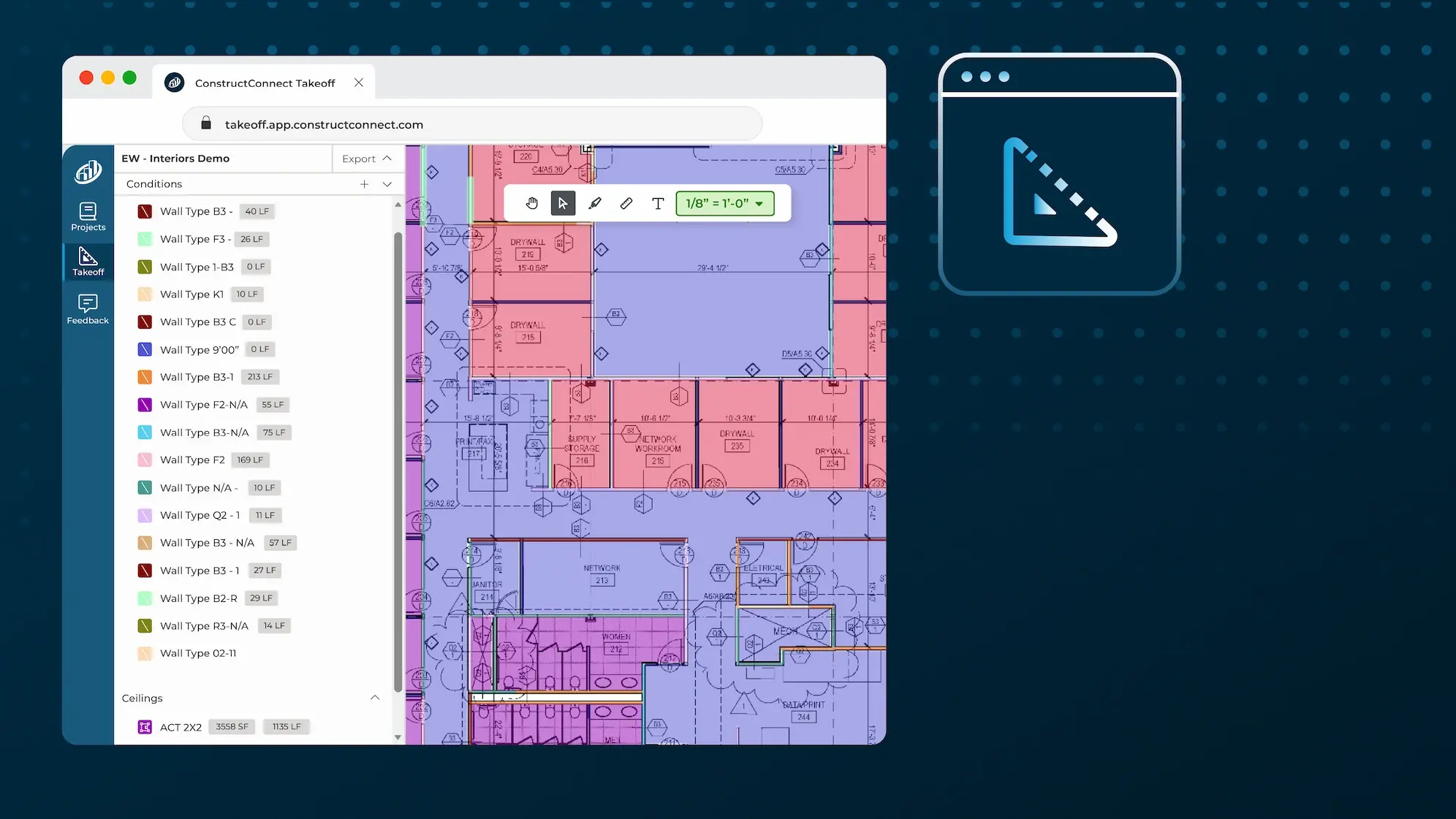
ConstructConnect® Takeoff Announcement
You asked for it. ConstructConnect® delivered. Decades of takeoff expertise. Now in your browser. In Short ConstructConnect® Takeoff, from the company that brought you On-Screen Takeoff®, PlanSwift®, and Takeoff BOOST™, brings trusted digital takeoff expertise into your internet browser. View and measure your plans on your MAC or Windows computer – any browser, anywhere, anytime. Includes the Takeoff BOOST suite of AI-powered automation tools including Auto Name, Auto Scale, and Auto Takeoff. Load your plans, and they are automatically renamed, organized, and scaled. Project setup takes minutes, not hours. Click a button to launch Auto Takeoff that turns architectural plans into reviewable Conditions and quantities without requiring estimators to start from a blank page. First release focuses on interior finishes and concrete trades. The Best Takeoff, Now in Your Browser For decades, contractors and estimators have turned to ConstructConnect® when the work demands confidence in takeoff. That expertise now has a new home: the browser. Introducing ConstructConnect Takeoff, an all-new, AI-powered, web-based takeoff solution that brings plan viewing, markups, measurement, and results together in a more accessible workflow. No desktop installation. No waiting to get started; just open your browser, load your plans, and get to work. This is more than a new way to access takeoff. It is the beginning of a new chapter for how takeoff gets done, with automation at the center. From Plans to Quantities, Faster The first advantage is immediate. ConstructConnect Takeoff is designed to help you move from viewing plans to reviewing takeoff results in under five minutes. Create a project, add your drawings, open a page, verify the scale, and begin measuring in a workspace built for the way estimators already think. You can create Conditions, draw takeoff, add annotations, review quantities, and make adjustments - you always remain in control; AI is there to be your assistant. When you’re satisfied with the takeoff results, export them to a CSV file or print your takeoff and plans to PDF. Did you say documents? ConstructConnect Takeoff works with most file types and supports Plans and Specs. No need to use an external Spec viewer or download another application. A practical workflow that gets you moving quickly while keeping the tools you need close at hand. The Breakthrough is Takeoff BOOST Takeoff BOOST is ConstructConnect’s answer to automating project setup and takeoff. Behind the scenes, when you load plans into a project, Auto Name and Auto Scale go to work to update sheet names and numbers, organize plans, and then scale them – automatically, in real-time. You don’t need to spend value time on these important but tedious tasks. Next up, Auto Takeoff uses AI to detect and measure linear, area, count, and volume objects on architectural drawings, so you’re not starting from scratch. You’re starting with a significant headstart on your takeoff so you can spend time on more valuable work: verifying scope, getting your pricing right, and building stronger relationships with your customers and suppliers. With Auto Takeoff, you choose what you want to measure: linears for walls; areas for rooms or ceilings; counts for doors, windows, and plumbing fixtures; and volumes for concrete footings, foundations, and slabs. Auto Takeoff identifies and creates the different Conditions, draws the takeoff on the plan, and updates the quantities in the Conditions List. In the getting started workflow, you’ll see that a full page or takeoff can be completed in under a minute. That changes the shape of your estimating day. Instead of spending the biggest part of a project on repetitive tracing, you can spend more time validating scope, checking quantities, and applying the experience that turns measurements into a bid you can stand behind. Automated project setup and takeoff, brought to you by the people who brought you digital takeoff 30 years ago. Automation? Yes! But You’re Still in Control Automation should accelerate expertise, not replace it. Auto Takeoff is built around that principle. After the automated takeoff runs, you review the Conditions and the takeoff, confirm that the results look right, and adjust anything that needs attention. You can reassign takeoff, add missing measurements manually, and fine tune the results before moving forward. That review step matters. Plans vary, scopes change, and every estimator brings judgment to the work. Auto Takeoff gives you momentum and a strong first pass, while your team remains responsible for checking the results and making the final call. The benefit is not simply fewer clicks. It is more time for the work that requires experience: understanding intent, resolving ambiguity, and deciding what belongs in the estimate. AI doesn’t replace you as the estimator; it’s there to help you. Built for the Browser, Ready for What Comes Next ConstructConnect Takeoff is available from any web browser, on any computer. That makes it easier to get started, easier to access project work, and easier to bring a modern takeoff workflow to more people on the team. The current experience already gives estimators a practical foundation: project and document management, a takeoff canvas, Conditions and annotations, on screen scale verification, exports, PDF output, and automation through Auto Takeoff. And the product is continuing to move. Recent updates have added capabilities, such as project status counts, undo and redo controls, visible zoom tools, more flexible object movement, an in- app resource panel, and clearer reminders to verify scale when AI is involved. Those improvements may look like individual pieces, but together they show the product direction: make takeoff easier to start, easier to understand, and easier to refine. Recent Takeoff BOOST Auto Takeoff improvements expanded trade-coverage to Concrete by identifying slabs, footings, and foundations. This Is Only The Beginning The launch of ConstructConnect Takeoff is a major milestone, but it is not the finish line. It is the foundation for a broader automation journey from ConstructConnect, the company contractors have trusted for digital takeoff for decades. Automation The next generation of automation must do more than recognize basic shapes. We are working on models that understand the context of the drawing, the relationships between plan sheets, and the details that change how scope should be measured and organized. Our latest structural automation release work points in that direction, including support for slab footprints, linear foundations, and spread footings that continue across plan sheets through match line boundaries. That is the opportunity ahead: automation that gets closer to the way experienced estimators actually work. Automation that reduces repetitive effort, creates more actionable results, and helps teams move from plans to pricing with greater speed and confidence. Estimating We are working hard to bring you estimating in your browser as a seamless addition to ConstructConnect Takeoff. Access a catalog of items and assemblies as you draw your takeoff, or add material and labor costs to completed takeoff — work the way you want, where you want, when you want. A Faster Way to Get to The Work That Matters If you know takeoff, you know that speed is only valuable when it comes with confidence. ConstructConnect Takeoff brings both together: the accessibility of a browser-based workflow, the discipline of proven takeoff practices, and the momentum of AI-powered automation. Start with a plan. Let Auto Takeoff handle the repetitive first pass. Review the results. Apply your expertise. Then keep moving. See: Getting started with ConstructConnect Takeoff and Auto Takeoff getting started guide for more information. Mac is a registered trademark of Apple Inc. and Windows is a registered trademark of Microsoft Corporation.
-

Skanska Balfour Beatty JV Sues Surety Over Microsoft Campus Cladding Claim
A subcontractor terminated from the project cites Ukraine war supply chain and labor woes.
Resources tagged Microsoft
-
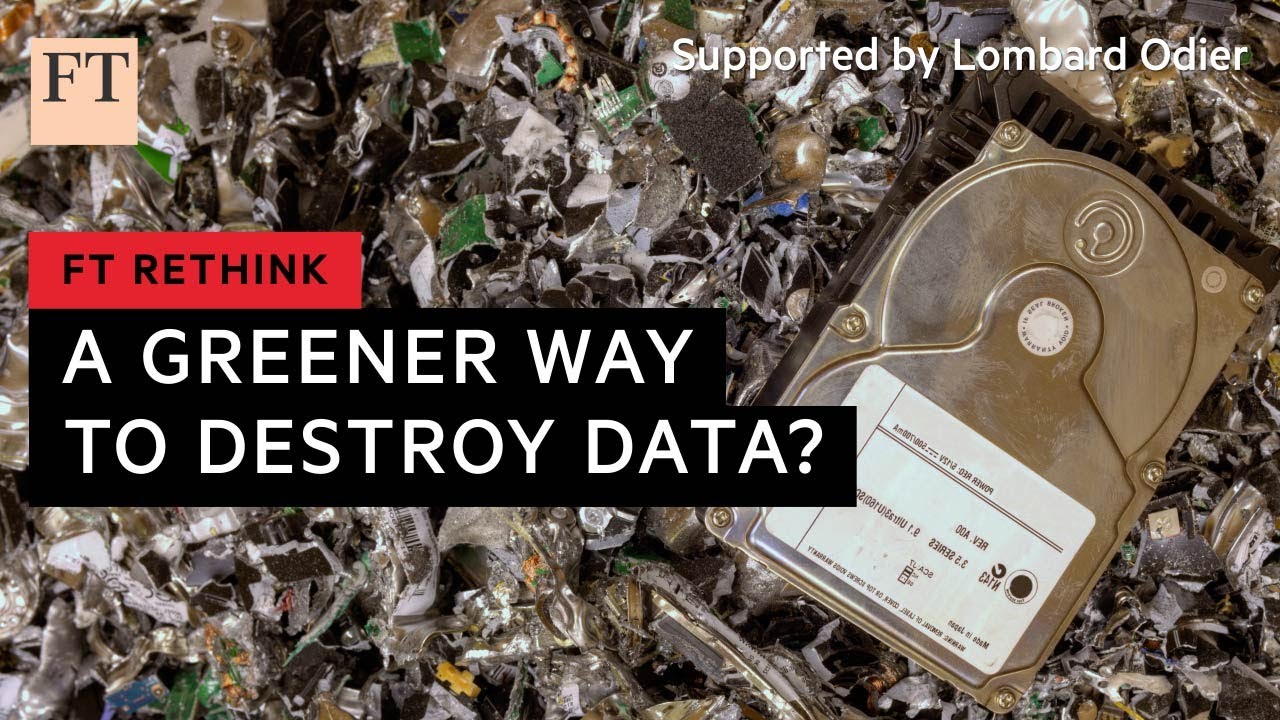
FT - Recycling the world’s hard drive waste, 13022023
Shredding hard drives may be a sure-fire way to prevent data leaks from discarded devices, but as the FT’s TMT correspondent Anna Gross reports, it can create significant amounts of waste and squander rare metals. Information can be deleted with wiping software, but why are companies reluctant to use it?
-
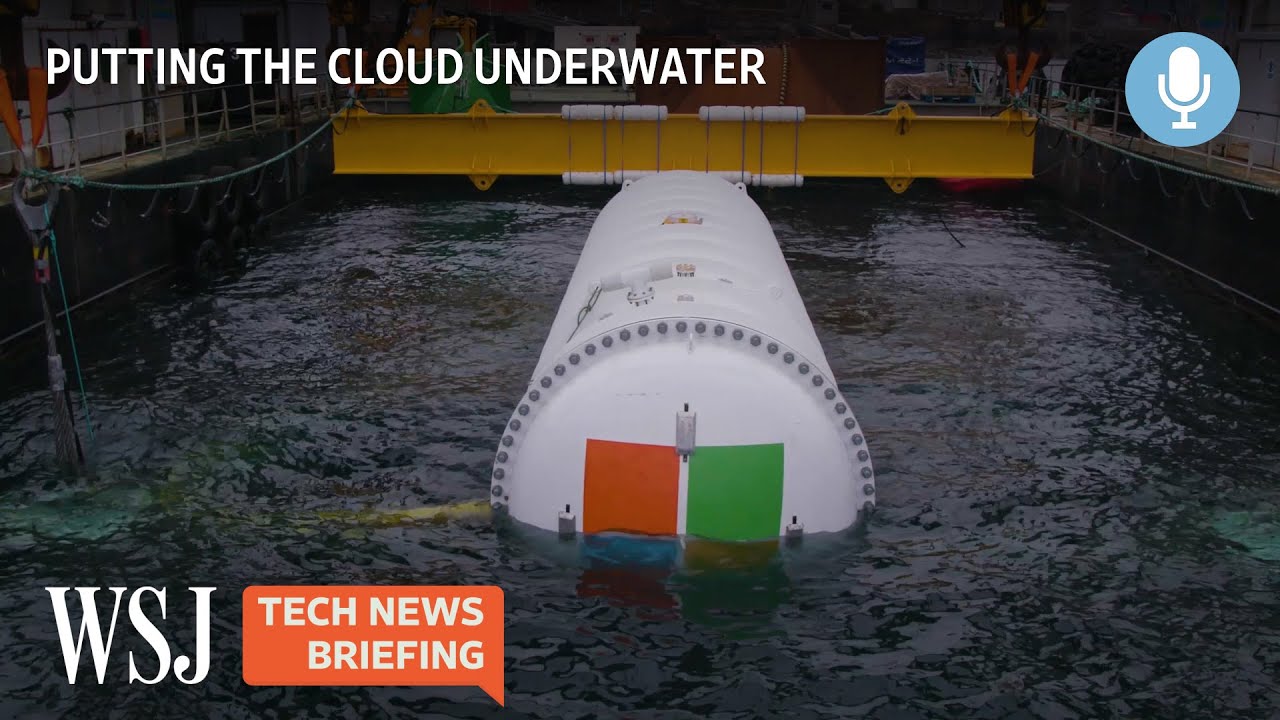
Cloud storage centers suck up a lot of energy. But when Microsoft tried putting data centers underwater a couple of years ago, it found the strategy greatly reduced energy use and improved performance. Now a U.S. startup called Subsea Cloud is pushing forward with similar plans. How much could underwater data centers do to alleviate emissions from our cloud usage? And what are the hurdles to getting there?
-
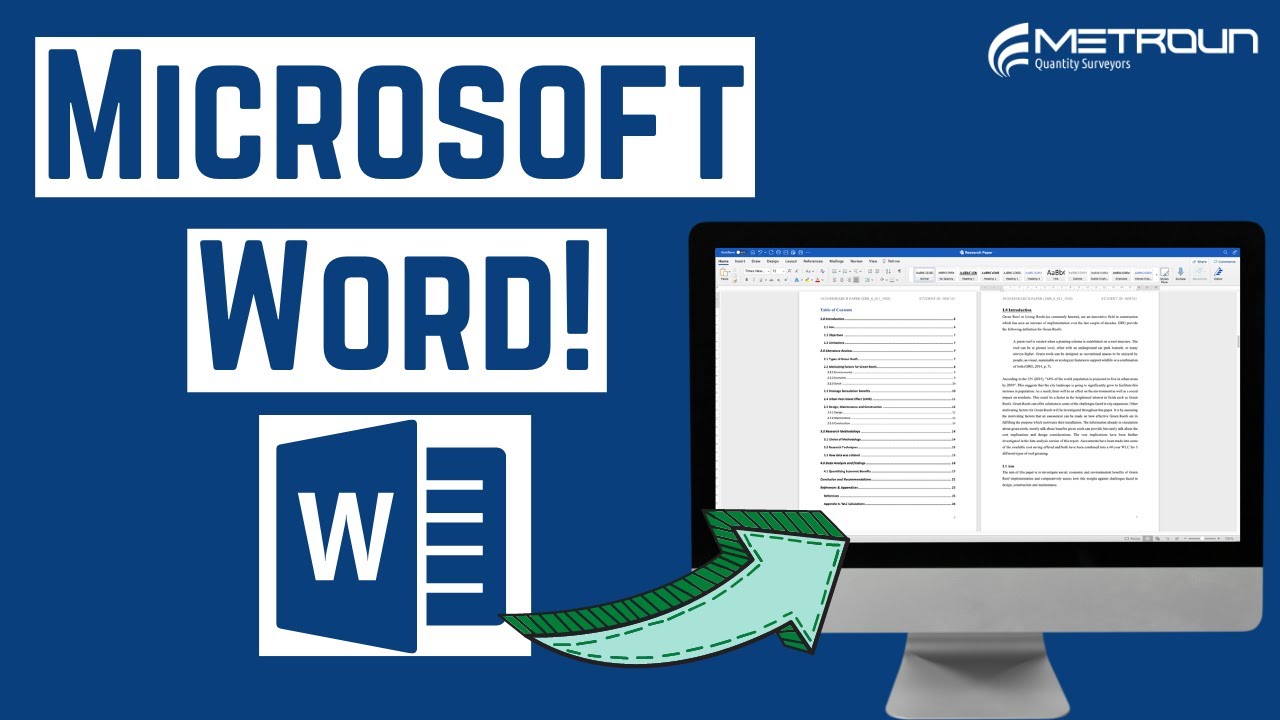
Metroun - How To Format Your University Assignment or Report on Microsoft Word, 19102022
In this video Metroun show the steps on how to format a University assignment/ report on Microsoft Word. In this example a dissertation is used for a university submission. However, all the formatting is removed so this video can show you the steps from start to finish
-

CNBC - Why Starbucks, Apple And Google Are Unionizing Now For The First Time, 05082022
Since December, workers have led a surge of unionization unlike anything the U.S. has seen since the Great Depression. First-ever unions have now formed at more than 200 Starbucks, an Apple store in Maryland, a Google Fiber contractor, REI, Trader Joe’s, Kickstarter, and a gaming division of Microsoft. Here’s why experts say it’s happening now, and why these progressive companies are fighting back against the movements.
-

Project Managers are often tasked with creating S Curves for clients and stakeholders to give a clearer picture of project progress.
Posts tagged Microsoft
Questions tagged Microsoft

Get full access to our construction knowledge base, latest news and updates ... Join the discussion.